This is the multi-page printable view of this section. Click here to print.
Count Inventory
Perform a physical inventory count of your models and items.
1 - Model Physical Count
Perform a physical count of your models.
Note
Make sure you are ready for an inventory count first by following the instructions in Wireless Inventory - Physical Count-
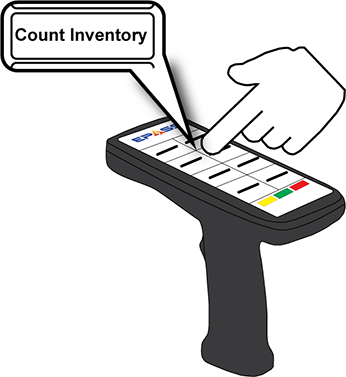
Tap Count Inventory.
-
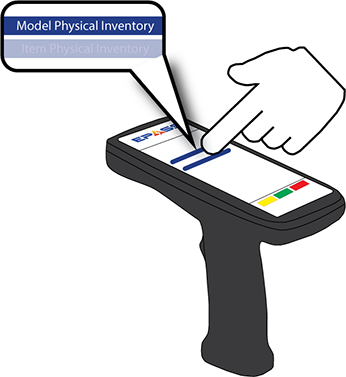
Tap Model Physical Count.
-
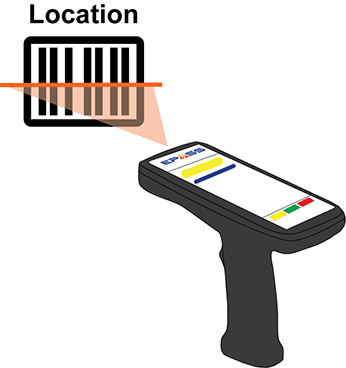
Scan or enter the Location.
Note
To enter the Bin location, touch Change Bin and then scan or enter the bin location code.-
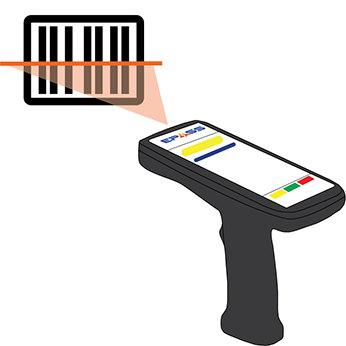
Scan the model barcode to count it.
2 - Item Physical Count
Perform a physical count of your items.
Note
Make sure you are ready for an inventory count first by following the instructions in Wireless Inventory - Physical Count-
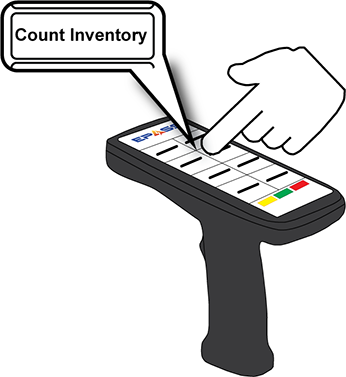
Tap Count Inventory.
-
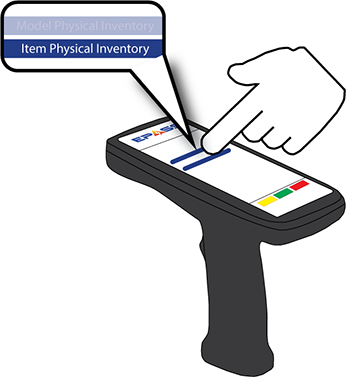
Tap Item Physical Count.
-
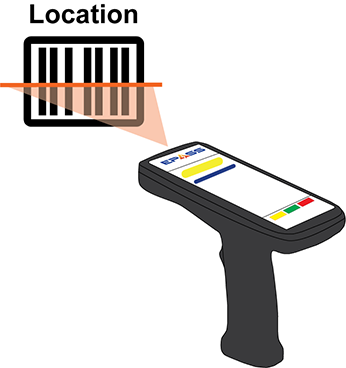
Scan or enter the Location.
Note
To enter the Bin location, touch Change Bin and then scan or enter the bin location code.-
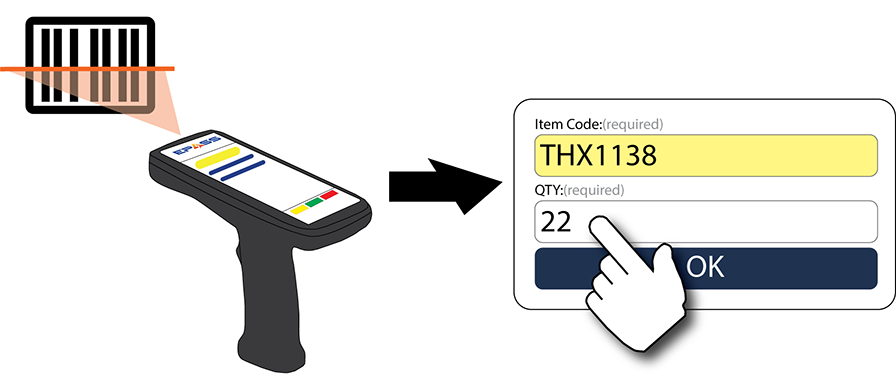
Scan the item barcode and enter the QTY that you are counting.